Wedding Photo App Alternatives: Why UK Couples Are Ditching Apps in 2026
The best wedding photo app alternatives for UK couples in 2026 — why QR codes and web uploads beat the app-store options, with pros, cons and pricing.
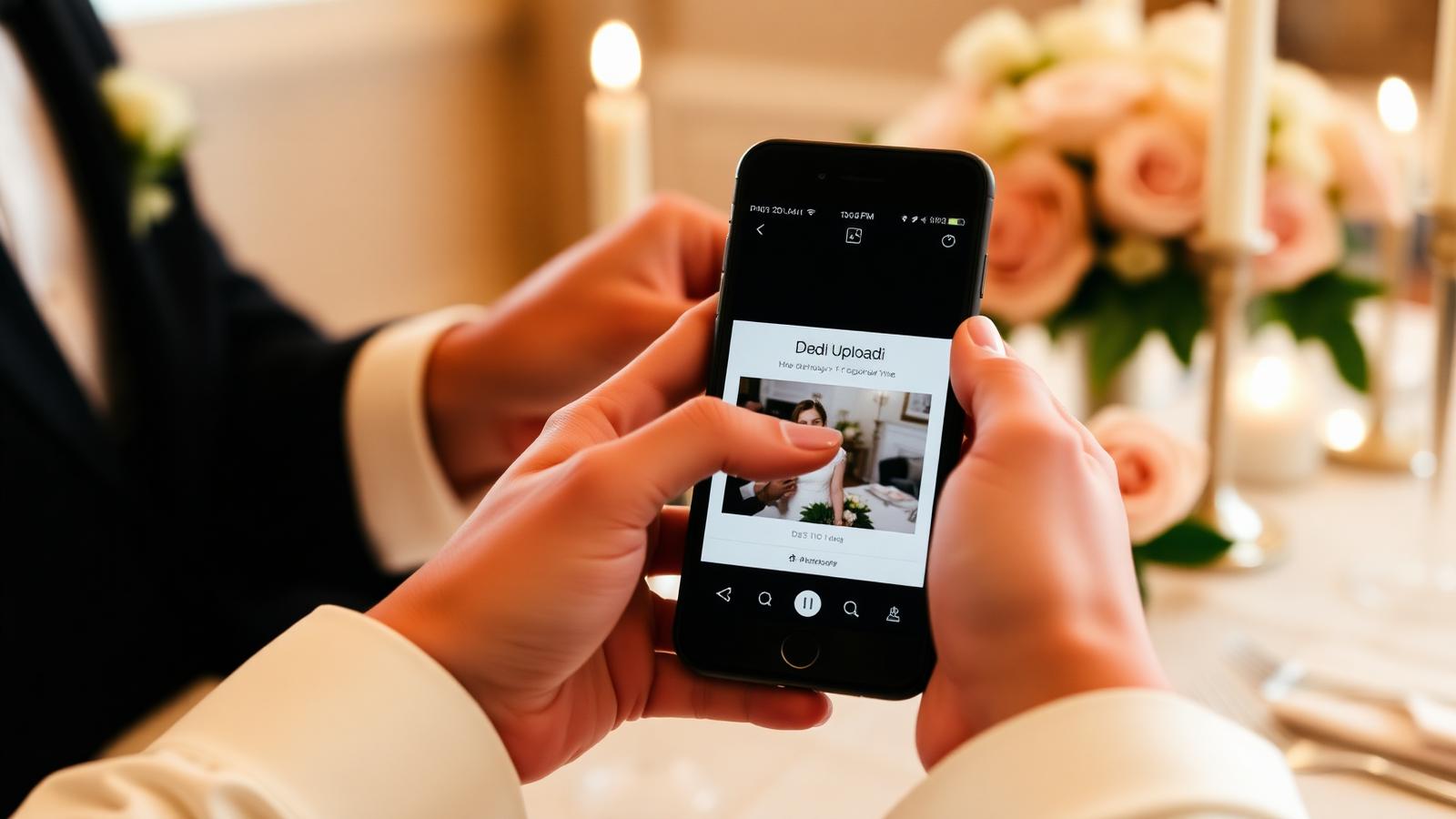
The moment you start planning a wedding, your feed fills with polished ads for wedding photo apps — download this, ask your guests to download that, everyone's photos in one place. In practice, half of your guests never open the app, another quarter forget the login, and you're left chasing photos in a WhatsApp group at 2am on your honeymoon.
There is a better way, and most UK couples getting married in 2026 are already using it.
This guide compares the main wedding photo app alternatives — QR codes, web uploads, shared cloud folders and hashtags — with a straight answer on which is worth using and which to skip.
Why "download our wedding photo app" doesn't work in real life
Wedding photo apps have three problems the marketing pages don't talk about:
- App fatigue is real. The average UK adult already ignores most notifications on their phone. Asking 100 guests — including grandparents and colleagues — to download a new app for one day is a friction wall.
- Split platforms split your photos. Some apps are iOS-only, some Android-only. Even the "cross-platform" ones behave differently, and older phones often can't install the latest version.
- They lock your photos in. Your entire wedding gallery sits inside a company's app. If they get acquired, sunset the product, or hike the annual fee, your access story gets complicated fast.
The couples we work with almost never say "we wish more guests had downloaded the app". They say "we wish we had a way to collect everything in one tap".
The four real alternatives, ranked
1. A dedicated wedding QR code (best all-round option)
A printed QR code linked to a private upload page. Guests scan with their phone's camera — no app, no login, no account. Works on every phone from an iPhone 8 upwards, works on Android, works on the borrowed phone of the guest whose battery died.
Pros: Zero friction. Highest upload rate of any option we've measured. Works for elderly guests. Collects both photos and short videos at original quality.
Cons: You need to print signage (10 minutes on Canva or done for you by a service).
Best for: Almost every couple. This is the default in 2026.
We wrote a full guide on how these work: Wedding QR codes for photos: the complete UK guide.
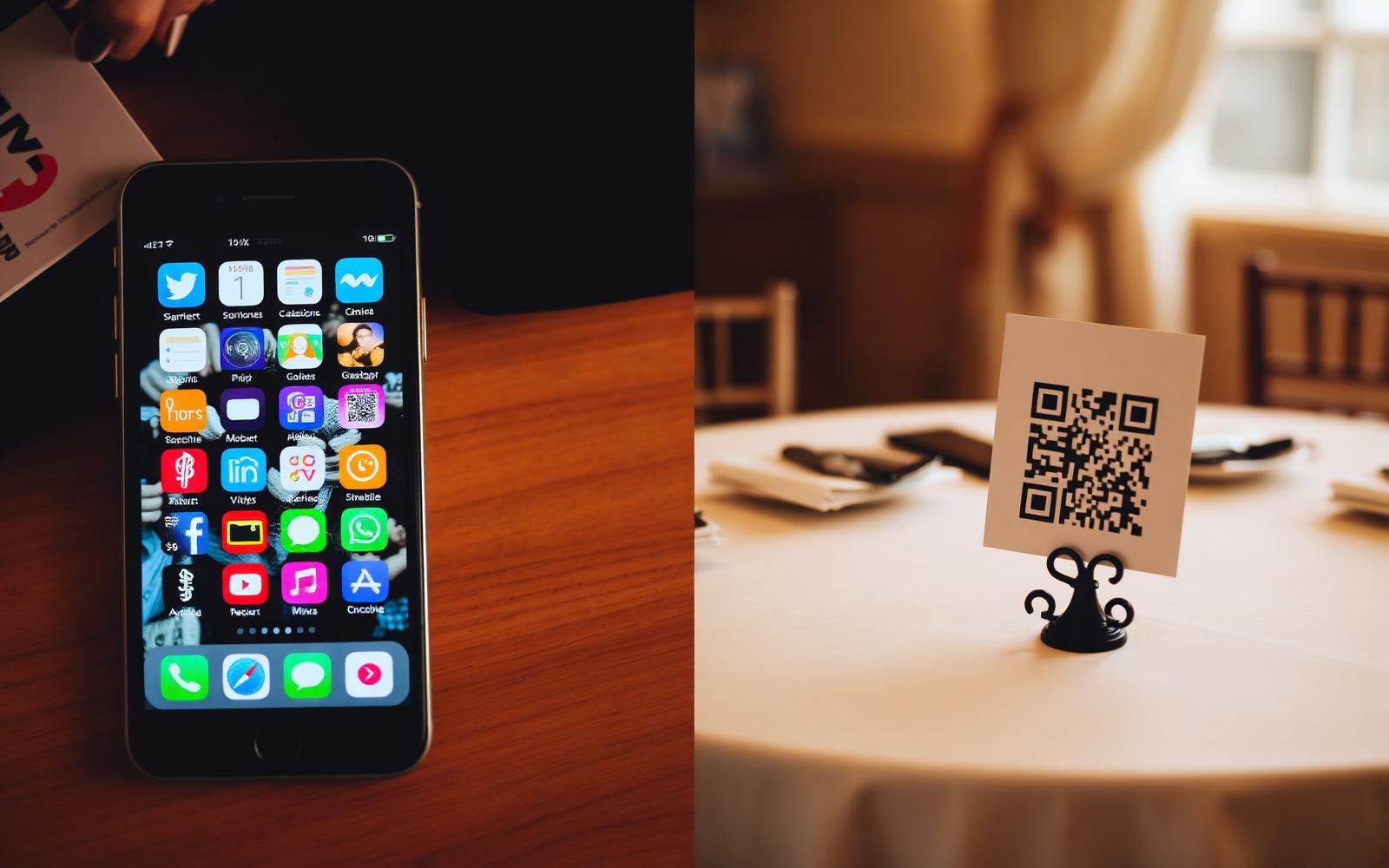
2. A shared cloud folder (Google Drive, iCloud, Dropbox)
A folder link you send round after the day, or embed behind a QR code.
Pros: Free if you already have the storage. No third-party service.
Cons: Google and iCloud shared albums require guests to be signed into the same platform — half your room won't be. Dropbox and Google Drive upload links from unauthenticated users are clunky on mobile and often blocked by corporate email filters. Videos over ~100MB frequently fail.
Best for: Small weddings (under 30 guests) where everyone's technical enough to make it work.
3. A wedding hashtag
You pick #SmithWedding2026, print it on signage, hope guests post to Instagram.
Pros: Free. Fun for guests who already post.
Cons: Instagram's algorithm buried chronological hashtag feeds years ago. Private accounts don't appear at all. Half your guests never post publicly. You end up with maybe 10–20 photos out of a possible several hundred, and they're all filtered to death.
Best for: A supplement to another method, not the primary way to collect photos.
4. WhatsApp / iMessage groups
A group chat where guests dump photos throughout the day.
Pros: Zero setup.
Cons: WhatsApp compresses images and videos aggressively — you lose original quality. iMessage groups exclude Android users. The chat becomes unreadable within 48 hours and impossible to sort through. There is no persistent gallery.
Best for: The wedding party pre-day only, not the wedding itself.
Feature comparison at a glance
| Method | Guests need an app? | Original quality kept? | Works on every phone? | Long-term gallery? |
|---|---|---|---|---|
| Wedding QR code + web upload | No | Yes | Yes | Yes |
| Wedding photo app | Yes | Depends | No (platform splits) | Only inside the app |
| Shared cloud folder | Signed-in guests only | Yes | No | Yes (if you keep paying) |
| Wedding hashtag | Instagram only | No (compressed) | Public accounts only | No |
| WhatsApp / iMessage | Depends | No (compressed) | No | No |
When a wedding photo app does make sense
There's one narrow case where an app is genuinely useful: if you want live real-time slideshows displayed at the reception with photos appearing as guests upload them, some apps do this well. Even then, most UK venues project this from a laptop using a QR-code-based service — no guest download needed.
The done-for-you route
If you want the QR-code approach but don't want to design the signage, host the upload page, sort through 600 files, or edit anything yourself, that's what The Guest Take does. You get:
- A printable QR code and signage for your day.
- A private upload page your guests use in one tap.
- A professionally edited highlight film and private gallery delivered after the wedding.
- Social edits ready to post.
See our packages or read how it works for the full couple journey.
Wedding photo app alternatives — FAQs
What is the best wedding photo app alternative in the UK? A dedicated wedding QR code linked to a mobile web upload page. It has none of the download friction of an app and works on every phone.
Do wedding QR codes cost money? The QR code itself is free to generate. Where you pay is for the private upload page, the storage, and — if you use a service — the editing of what your guests upload.
Can we use Google Photos instead of a wedding photo app? You can, but only guests signed into a Google account can upload easily, so you'll miss anyone on iOS who doesn't use Google. A neutral upload page works for everyone.
Will guests actually use a QR code more than an app? In our experience, yes — significantly. There is no download, no sign-in, and no version compatibility issue. If a guest can send a WhatsApp, they can upload to your wedding.
What about privacy? A private upload page tied to your wedding is more private than a public Instagram hashtag and more controllable than a cloud folder link that can be forwarded. Only guests with your specific link can upload, and only you (and anyone you invite) can view the gallery.
The takeaway
Wedding photo apps solved a problem that a good QR code and a well-designed upload page solve better — and without asking anyone to install anything. If you want every guest photo and video from your day, without the friction of downloads and logins, skip the app.
Ready to see the alternative? Compare our packages or see how The Guest Take works.