Wedding QR Codes for Photos: The Complete UK Guide (2026)
How wedding QR codes for photos work, where to place them on the day, and how to collect every guest photo and video in one place — no app, no shared album.
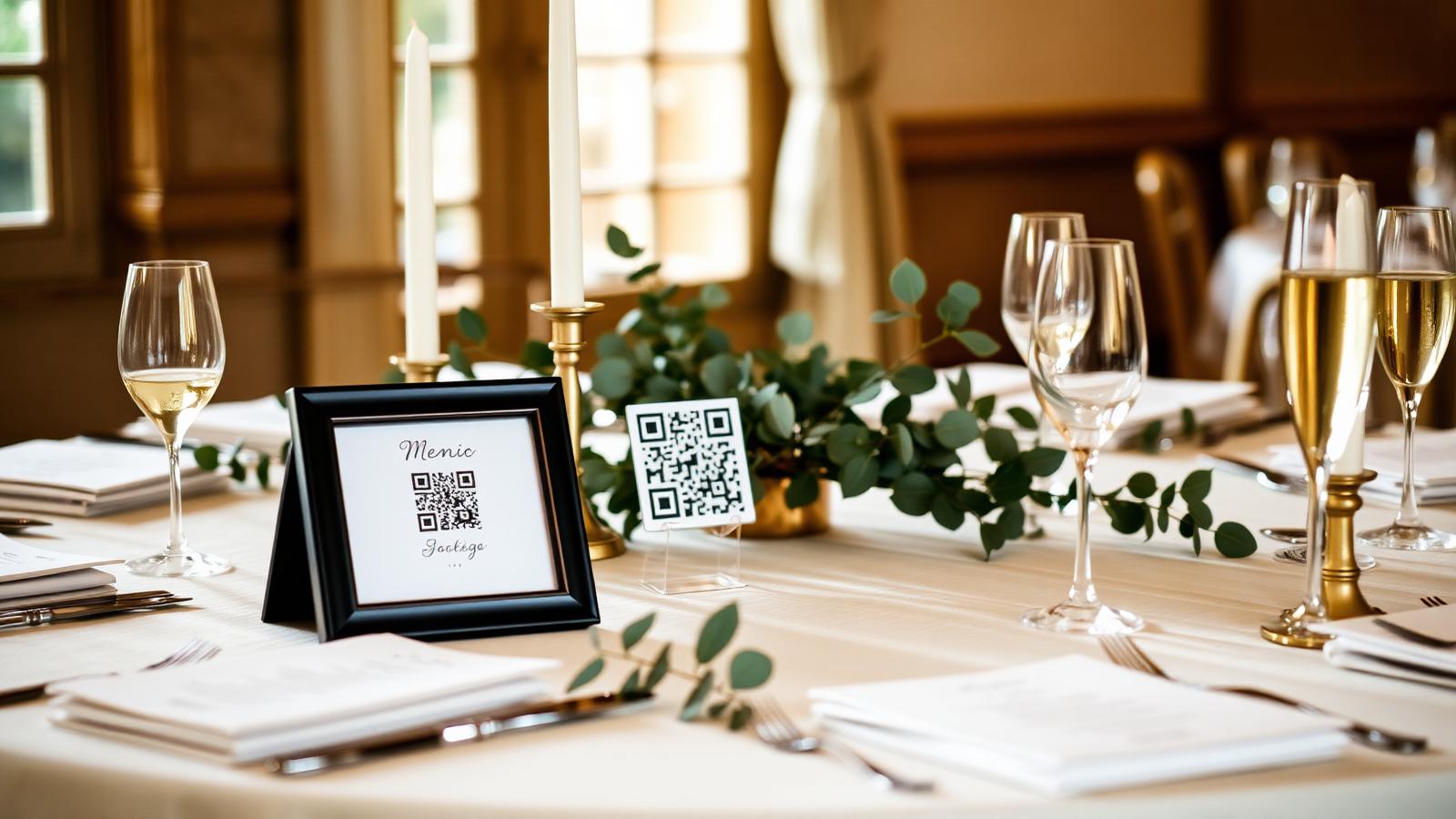
Your official photographer captures the day the way you planned it. Your guests capture everything else — the tears at the ceremony, the dance floor at 11pm, the toddler stealing canapés, the quiet minute you shared with your grandmother.
A wedding QR code for photos is the simplest way to collect all of that in one place, without an app, without a group chat, and without asking anyone to email you a Dropbox link three months later.
This guide covers how a wedding photo QR code works, where to display it on the day, and what to do with everything your guests upload.
What is a wedding QR code for photos?
A wedding QR code for photos is a printed QR code you display at your wedding. Guests point their phone camera at it, tap the link that appears, and upload photos and videos straight from their camera roll to a private space set up for your wedding.
There is no app to download, no login, and no need for guests to have any particular device or operating system. If a guest can send a WhatsApp, they can upload to your wedding.
Why couples are choosing QR codes over hashtags and shared albums
- Hashtags stopped working when Instagram killed reverse-chronological feeds. Half your guests never post publicly anyway.
- Shared iCloud or Google albums exclude the half of the room on the other platform, and neither collects short videos well.
- WhatsApp groups compress everything and go quiet within 48 hours.
- A single QR code works on every phone, keeps the original quality, and stays open for days after the wedding — when guests actually get around to uploading.
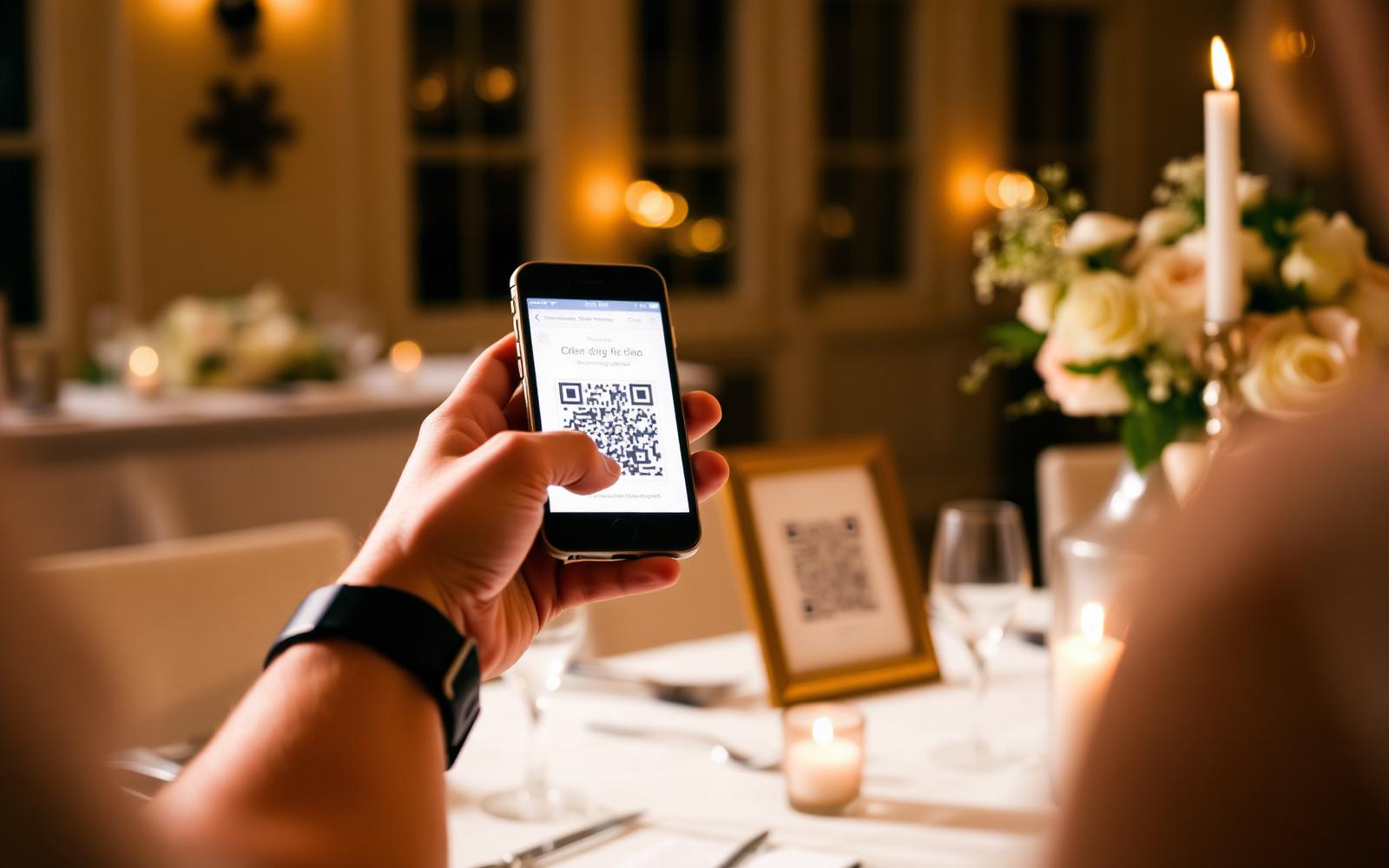
Where to display a wedding photo QR code on the day
The photographers and planners we work with recommend three touch points:
- On the order of service or ceremony programme — so guests see it the moment they sit down.
- On the reception tables — a small framed sign per table, next to the menu. This is when most uploads happen.
- Near the dance floor and bar — a larger, lit sign for the second half of the night, when the best candids are captured.
If your venue has a welcome board or a mirror sign, add the QR code there too. The rule is simple: any time a guest picks up their phone, they should see the code within arm's reach.
What guests actually upload (and what to expect)
An average UK wedding of around 100 guests produces roughly 400–800 photos and 60–120 short videos across the day, in our experience. You will get:
- Getting-ready moments your photographer wasn't in the room for.
- Ceremony reactions from the guests' side of the aisle.
- Speech reaction shots — the ones where the whole table is crying with laughter.
- First dance from four different angles, plus the dance floor once the professional photographer has left.
- End-of-night moments almost no couple has proper footage of.
Some of it will be blurry. Some will be sideways. That is why most couples don't want to hand-edit 800 files themselves.
Do it yourself, or use a done-for-you service
You have two realistic options.
Option 1: Generate your own wedding QR code
Pick a cloud folder (Google Drive, Dropbox, or a service like WeTransfer), generate a QR code that opens the upload link, print it, and sort through everything yourself afterwards. This is free but requires:
- A folder that accepts uploads from people who aren't signed in.
- Someone (you) to review every file, delete duplicates, remove the accidental screenshots and low-light misses, and turn the good ones into something you'll actually look back on.
- Storage you're willing to keep paying for after the wedding.
Option 2: A wedding-specific service like The Guest Take
The Guest Take gives you a printable QR code and a private wedding page. Guests upload from any phone. Our editing team curates the best moments, cleans up the exposure and colour, and delivers:
- A private gallery you and your guests can revisit.
- A highlight film cut from the best video moments.
- Social edits ready to post.
You don't touch a single file. You get the finished result. See our packages or read how it works for the full couple journey.
Wedding QR code FAQs
Do guests need an app to use a wedding QR code? No. The QR code opens a mobile web page. Guests upload straight from their camera roll.
What if a guest doesn't have a smartphone? Anyone can upload later from the same link on a laptop, or ask another guest to add their photos.
Do wedding photo QR codes keep original quality? Yes. The upload preserves the original file — no WhatsApp-style compression.
Is it private? Only guests with your specific link can upload, and only you (and anyone you invite) can view the gallery.
When should we start using the code? The moment guests arrive. Some of our favourite uploads come from the ceremony and drinks reception, not just the dance floor.
The takeaway
If you want every angle of your wedding — not just the ones your photographer had a line of sight to — a QR code is the right tool. Whether you build it yourself or use a dedicated service like The Guest Take, the important thing is that guests can share what they captured in one tap, on the day, without friction.
Ready to see how it works for your wedding? Compare our packages or see the full Guest Take process.