How to Share Wedding Photos With Guests (Without the Faff)
A step-by-step UK guide to sharing wedding photos with guests — private galleries, cloud folders and QR codes, plus what to send, when, and how to keep it private.

Your photographer has sent the gallery through, your inbox is full of "when can we see the photos?" texts, and you're wondering what the least painful way is to actually share your wedding photos with guests.
Good news: in 2026 you don't need Dropbox links, Facebook albums, or a hastily emailed WeTransfer. There is a right way to do this that takes ten minutes, keeps your photos private, and stops your phone buzzing.
Here's exactly how to share wedding photos with guests — what to use, what not to use, and what to send.
The three things guests actually want
Before you pick a tool, know what guests are asking for:
- A link they can open in one tap. Not "please make an account" and not "download this 4GB zip".
- The ability to save the ones they're in. Guests want to send photos of themselves to their family, use one as a WhatsApp profile picture, or print a favourite.
- To feel included, not spammed. One clear message with the link beats three follow-ups on different platforms.
Any method that gets those three right is a good one.
The best ways to share wedding photos with guests (ranked)
1. A private wedding gallery page (best for most couples)
A single web page — password-protected or with an invite-only link — showing all your photos in a browseable gallery. Guests can view, favourite, and download.
Pros: One link works for every guest, on every device. No sign-in. You control who has access. Looks properly finished.
Cons: Someone has to build it — either you (on Squarespace, Pixieset, Shootproof, etc.) or a service you're already using.
Best for: Almost everyone. This is the modern default.
2. Your photographer's client gallery
Most professional wedding photographers deliver a client gallery you can share with guests directly.
Pros: Zero setup on your side.
Cons: Not every gallery is guest-friendly (some restrict downloads, some require sign-in). Check with your photographer before you promise guests they can save photos.
Best for: When your photographer's gallery is already public-shareable.
3. A shared cloud folder (Google Drive, iCloud, Dropbox)
A shared album or folder with view/download permissions for guests.
Pros: Free if you have the storage.
Cons: iCloud shared albums exclude non-Apple guests. Google Drive links expire or get rate-limited on large downloads. Dropbox free tier caps you. Zips of 500+ RAW files are a bad time on mobile.
Best for: Small guest lists, one platform, technical guests.
4. Facebook / Instagram album
Post highlights to a private Facebook album or an Instagram Close Friends story highlight.
Pros: Guests already have accounts. Reactions in one place.
Cons: Aggressive compression. No download of the original. Excludes anyone not on that platform (which, in 2026, is more people than you think). Meta owns the "album" and can restrict access.
Best for: A public highlight, not the main share.
5. WeTransfer or Dropbox Transfer link
Send guests a link to download the full gallery as a zip.
Pros: One-click download.
Cons: Links expire (usually 7 days). Guests on mobile struggle with large zips. No browsing — you either download everything or nothing.
Best for: Sending the wedding party the RAW dump. Not for guest-wide sharing.
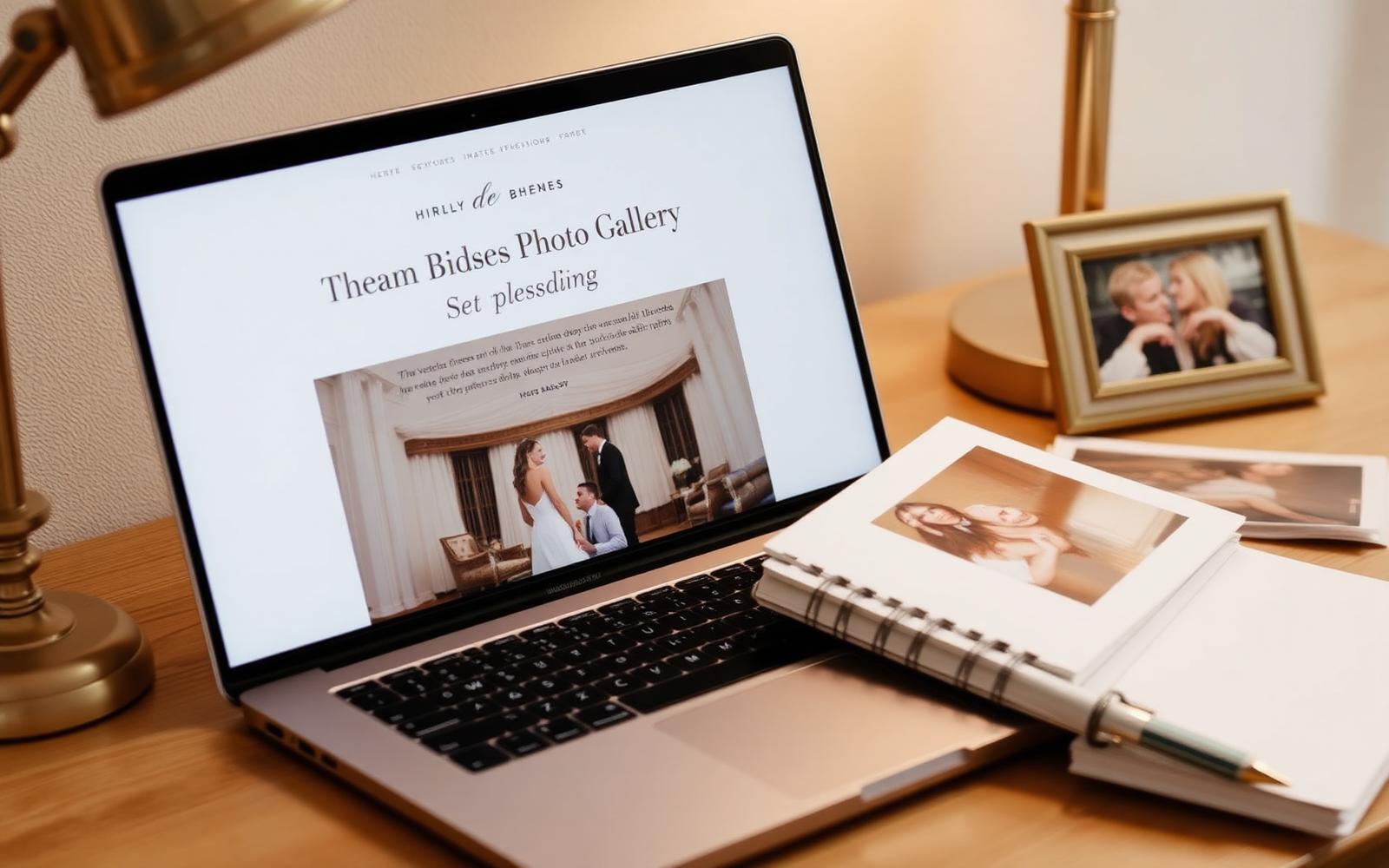
The step-by-step: how to share wedding photos with guests
Whichever tool you pick, this is the workflow that keeps it simple.
Step 1: Pick what you're actually sharing
You have three choices:
- Everything — the full gallery from your photographer plus everything guests uploaded.
- A curated highlight — 100–200 of the best photos across the day.
- A tiered share — a public highlight for everyone, plus a longer private gallery for immediate family and the wedding party.
The tiered approach is the most popular in 2026. Most guests genuinely don't want to scroll through 800 photos.
Step 2: Build the gallery
If DIY: upload to Pixieset, Shootproof or a Squarespace page. Set a shared password. Enable downloads at a reasonable resolution (web quality is fine for most guests; keep the print-resolution download for close family).
If done-for-you: services like The Guest Take deliver a private wedding page with your gallery, highlight film and social edits already built.
Step 3: Send one clear message
One WhatsApp message or one email is enough. Structure:
- Thank you.
- The link.
- What's inside ("gallery of ~200 photos plus a short highlight film").
- How long it will stay live.
- One line asking anyone who took photos themselves to upload back to your QR code upload page if you're still collecting.
Step 4: Send a follow-up two weeks later
For late uploads and thank-you messages, one gentle follow-up keeps the momentum without nagging.
How long should you keep the gallery online?
- Immediate family: indefinitely. This is what a proper private wedding page is for.
- All guests: at least 6 months. Long enough to catch the guest who moves house or forgets.
- Public / social highlight: as long as you want it up.
Keeping it private
Three rules:
- No public link. Even a "hidden" URL gets shared. Use a password or an invite-only link.
- Watermark the highlight if it goes on Instagram. Prevents guests reposting cropped versions as their own.
- Set download limits for anyone outside immediate family. Web-quality only, not print-resolution.
How to share wedding photos with guests — FAQs
What is the easiest way to share wedding photos with guests? A private wedding gallery page. One link, no sign-in, works on every device. Guests browse and save what they want.
How do I share wedding photos with guests for free? Google Photos or iCloud shared albums work if all your guests are on the same platform. For mixed devices, a free Pixieset or Shootproof gallery is the closest to zero-cost.
Can I share wedding photos privately? Yes — use a password-protected gallery or an invite-only link. Don't rely on obscurity; a "hidden" URL will always get shared.
How long should I leave the wedding gallery up? At least six months for guests, indefinitely for immediate family. Most professional gallery tools charge a small annual fee to keep a gallery live.
Should I share every photo or just a highlight? A curated highlight of 100–200 photos plus a longer private gallery is the sweet spot. Most guests will only look at the highlight.
Do we need to share guest photos back with guests too? It's a lovely gesture, especially for family. If you used a QR code to collect wedding guest photos, the same private gallery can display them alongside your photographer's shots.
The takeaway
Sharing wedding photos with guests should take ten minutes on a Sunday evening, not a month of admin. Pick a private gallery tool, curate a highlight, send one message, and let the gallery do the rest.
Want the gallery built for you — with a highlight film and social edits included? See our packages or how The Guest Take works.