How to Get Wedding Guests to Share Photos: 7 Things That Actually Work
Seven proven ways to get more wedding guests to share their photos and videos — without nagging, group chats, or asking for camera rolls three months later.
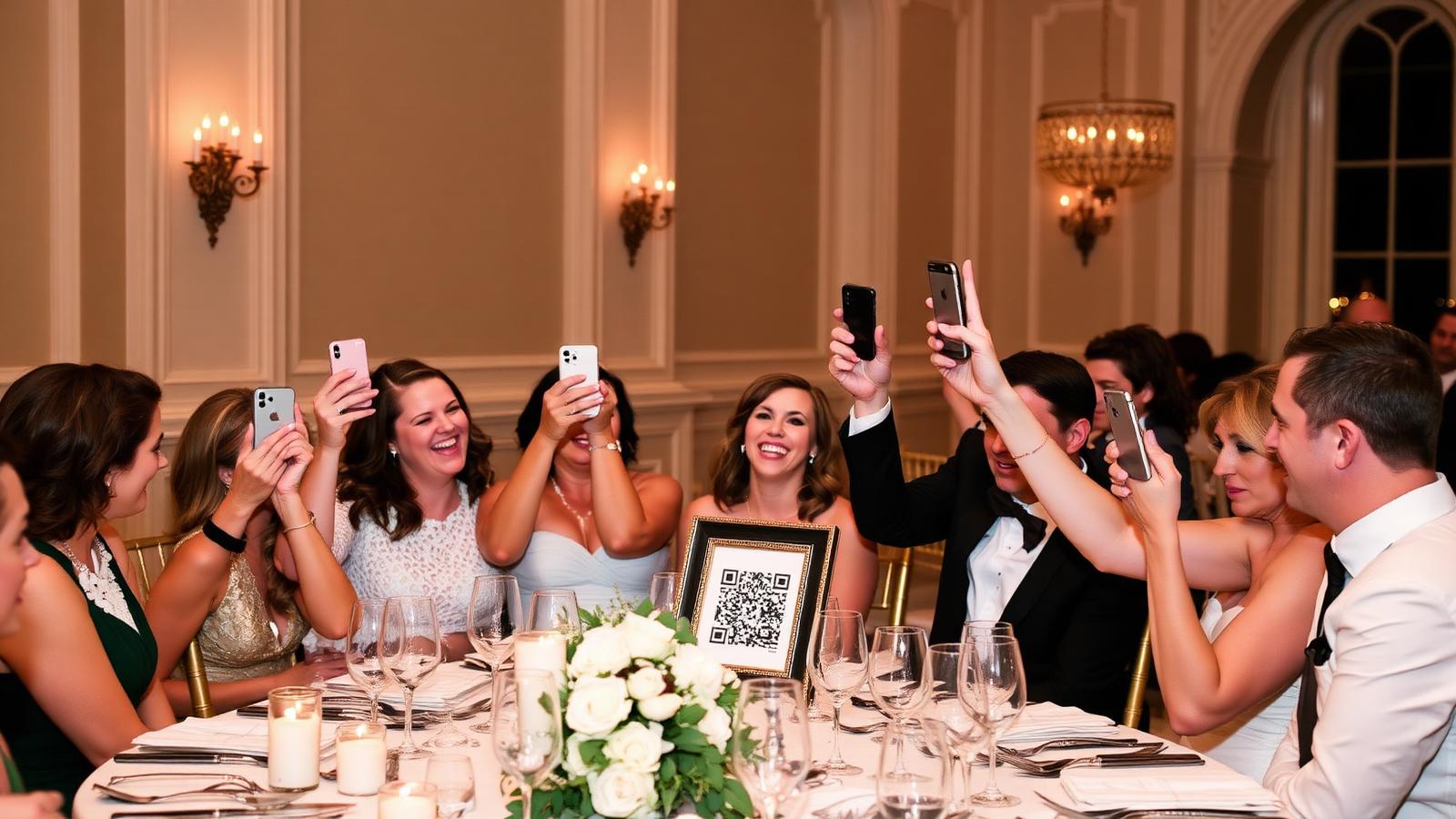
Every couple knows the feeling: your wedding was three months ago, the professional gallery arrived, and you're still trying to prise photos out of the friend who filmed your entire first dance and then vanished into their group chat.
Guests take hundreds of photos and videos at your wedding. Getting them off their phones and into your hands is a design problem, not a personality problem — and it's completely solvable if you set things up properly on the day.
Here are seven things that measurably increase the number of wedding guests who share their photos. Do all seven and you'll get almost all of them.
1. Give guests one place to upload — not five
The single biggest reason guests don't share photos is that they don't know where to send them. If half the wedding party is on a WhatsApp group, another chunk on iMessage, and the rest emailing you attachments, uploads scatter and most get lost.
Fix: One QR code, one upload page, one message. Everyone uses the same link. Full walkthrough in our wedding QR code guide.
2. Make the upload literally one tap
Any friction over about three seconds and the average guest gives up. Test the flow on your own phone before the day:
- Scan the QR with the camera.
- Tap the link that pops up.
- Tap "select photos" and hit upload.
That's the whole journey. No account creation, no email verification, no "download our app to continue". If any of that appears, you'll lose 60–80% of your uploads to friction alone.
3. Put the prompt in front of guests early — not just on reception tables
Most couples put a QR code on the reception tables and think the job is done. By then, half the ceremony and drinks-reception photos have already been taken and forgotten.
Better placement:
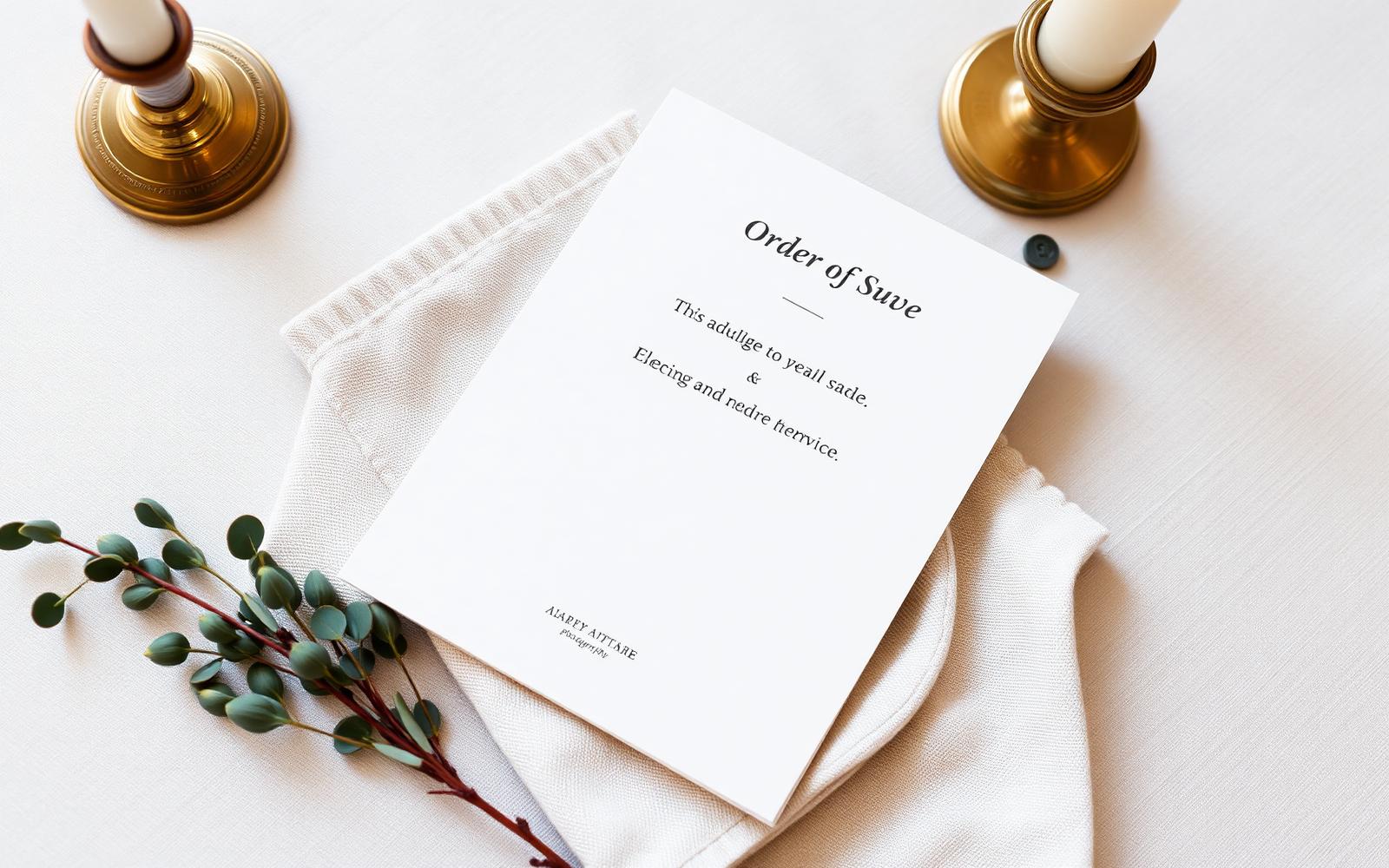
- On the order of service or ceremony programme. Guests see it the moment they sit down.
- On the welcome sign at the venue entrance. Guests scan while waiting for the ceremony to start.
- On the drinks reception table with the seating chart. Peak candid-photo time.
- On every reception table. For everything from speeches onward.
- Near the dance floor and bar. For the second half of the night.
If your venue has a mirror sign or welcome board, add it there too. The rule: any time a guest picks up their phone, they should see the code within arm's reach.
4. Tell guests specifically what you'd love
A bare QR code says "upload something". That's vague enough that most guests won't bother.
A single line under the QR code — "we'd love your photos and videos from the ceremony, drinks and dance floor" — roughly triples upload volume in our experience. It gives guests permission and a nudge at the same time.
Extra points for:
- "The end of the night is our favourite — please send those too."
- "Sideways videos are welcome. We'll take everything."
- "Original quality is best — this link keeps the full resolution."
5. Have the MC or best man mention it once
Between the starter and the main, the MC (or whoever is running speeches) says one sentence: "If you've been taking photos, the QR codes on your table upload them straight to the couple's private gallery — it takes 10 seconds and they'd love as many as you've got."
That single mention, at the moment guests have their phones out anyway, produces a big upload spike. It's the difference between guests thinking "I should do that later" and doing it now.
6. Leave the link open for two weeks and send one reminder
Half of the best uploads arrive after the day, not on it. Guests who've had a chance to sit down at home and go through their camera roll will find gems that they didn't realise they had.
- Keep the upload link open for at least 14 days after the wedding.
- Send one WhatsApp reminder on the Sunday evening or the following Wednesday. Something like: "Thank you for being part of yesterday — if you took any photos or videos, the upload link is still open. We'd love anything you've got."
That reminder alone usually brings in a second wave equal to about a third of the day-of uploads.
7. Send guests the finished gallery afterwards
Guests share more when they feel they'll actually see what happens next. If uploads disappear into a black hole, most guests won't bother.
If you send a private gallery link back to guests after the day — here's how to do that well — word gets round for future weddings, and the same guests will upload with more enthusiasm at the next one they attend.
What doesn't work
For completeness, things people try that don't move the needle:
- Wedding hashtags in 2026. Instagram's hashtag feeds are dead. Private accounts don't show up. See our take in wedding photo app alternatives.
- Guilt-tripping the wedding party three months later. They forgot. It's fine. Design the day so you don't need to.
- A pinned WhatsApp group message. Two more messages will bury it within 20 minutes.
- Asking guests to email you attachments. This is 2026. Nobody does this.
The done-for-you version
If you want all seven of these baked in — QR signage designed for you, an upload page that keeps original quality, a two-week open window, a private gallery sent back to guests, and the actual editing done by a wedding editor — that's what The Guest Take does. You get the finished result; guests get the one-tap experience that makes them actually share.
How to get wedding guests to share photos — FAQs
Why don't wedding guests share their photos? Almost always friction, not laziness. If uploading takes more than one tap, most guests give up. Remove the friction and the sharing follows.
How do I get guests to share wedding photos without asking them individually? Print a QR code on your signage, mention it once during speeches, and leave the upload link open for two weeks. That combination alone gets most guests uploading.
What should I write under the wedding photo QR code? One line telling guests exactly what you'd love — "your photos and videos from the ceremony, drinks and dance floor". Specific prompts triple upload rates versus a bare QR.
How many wedding guests will share photos if I do this properly? In our experience, 60–80% of adult guests upload at least one photo when the QR is well-placed and the MC mentions it. Without those two things, more like 15–25%.
When should we ask guests for wedding photos? The moment they arrive, throughout the day via signage, and once more via WhatsApp the day after. Don't wait until you're back from the honeymoon.
Is it worth using a wedding photo service versus asking guests directly? If you don't want to build the upload page, print the signage, sort through 500+ files and edit anything yourself, yes. A service handles all of that end-to-end.
The takeaway
Getting wedding guests to share photos is a friction problem. Give guests one clean upload link, put it in front of them from the moment they arrive, tell them what you'd love, get the MC to mention it once, leave the link open for two weeks, and send one reminder. Do all of that and you'll have every angle of your day.
Want the whole process handled for you? Compare our packages or see how The Guest Take works.